
How to rate a support ticket
Please follow the following steps to complete this proccess
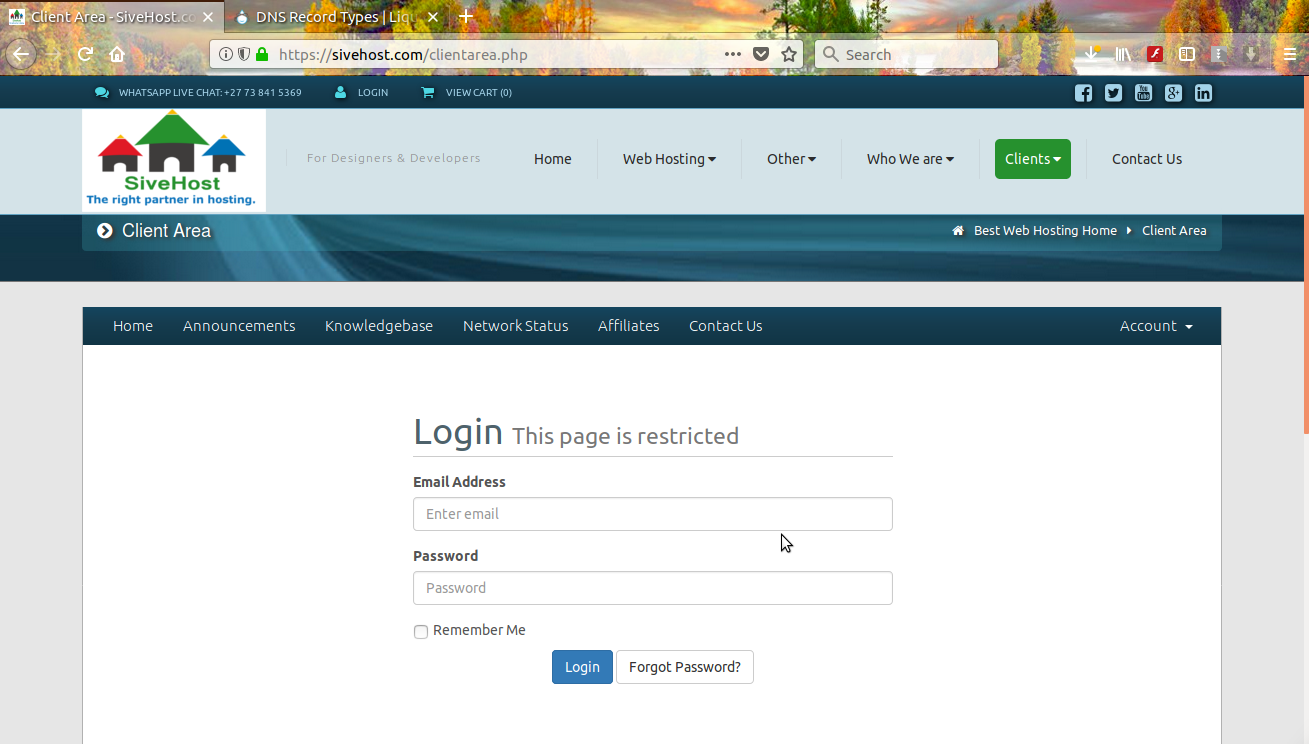
Step 1 : Login to your sive.host account
- Click on clients
- manage account
Step: 2 Click on Ticket number
Step 3: Rate Ticket Respond

How to rate a support ticket
Please follow the following steps to complete this proccess
Step 1 : Login to your sive.host account
Step: 2 Click on Ticket number
Step 3: Rate Ticket Respond
Powered by WHMCompleteSolution
